Powerful Features for
Modern Workforce Management
From real-time screen monitoring to detailed productivity reports, DeskTrust gives you complete visibility into how your team works.
99.9%
Uptime
<1%
CPU Usage
256-bit
Encryption
5 min
Setup Time
See what your team is working on, right now.
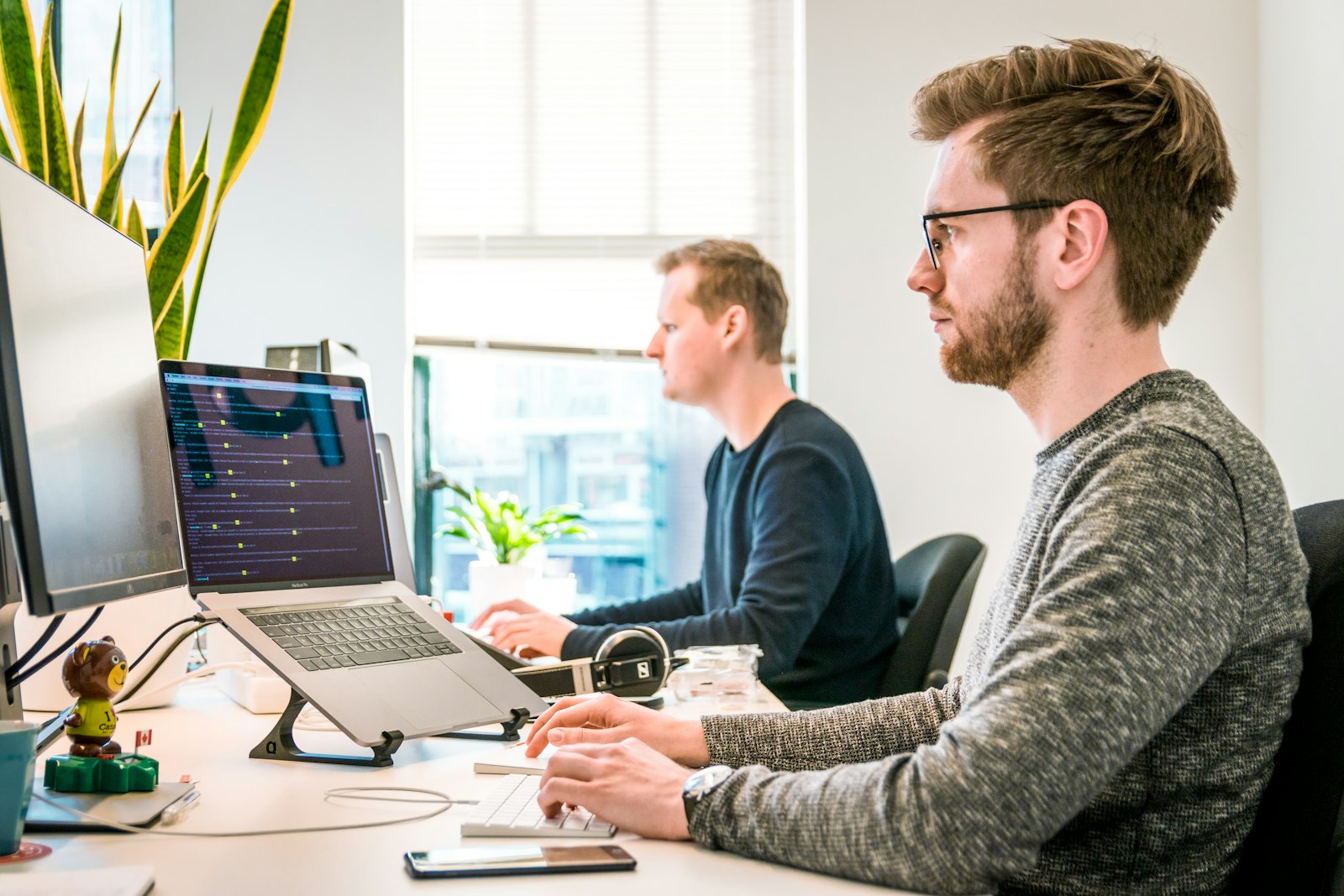
Monitor your team's activity as it happens. See live screens, automatic screenshots, and timeline playback all from one dashboard.
Live Screen Viewing
Watch employee screens in real-time with thumbnails that refresh every 5-15 seconds. View any employee's screen instantly from your dashboard without interrupting their work.
Automatic Screenshots (multi-monitor)
Capture periodic screenshots at configurable intervals. Dual-monitor and multi-display setups are fully supported — every connected screen is captured and stitched into a single image per interval. Smart triggers fire on app switches, URL changes, or idle-to-active transitions.
Screen Recording & Playback
Timeline-based playback makes it easy to review any moment of the workday. Jump to any time, scrub through the day, and export clips.
Understand how time is really spent, automatically.
Automatically track applications, websites, and active time. Understand exactly how your team spends their workday.
Application Usage Tracking
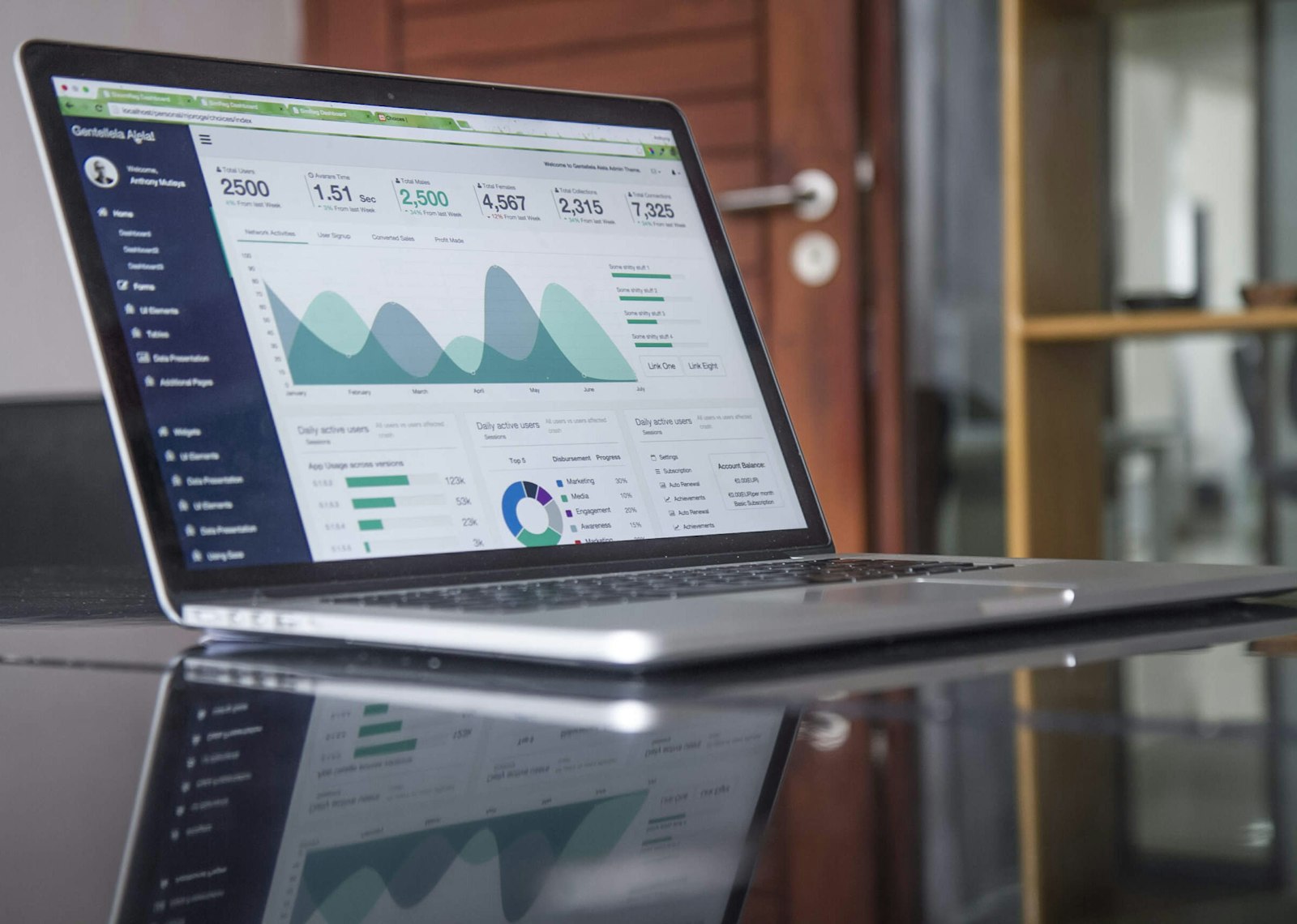
Track every application employees use throughout the day. See time spent in each app, categorize apps as productive, unproductive, or neutral.
Website & URL Monitoring
Monitor all websites visited with full URL tracking. Categorize sites, block distracting domains, and get alerts when employees visit restricted websites.
Keyboard & Mouse Activity
Track keyboard and mouse activity patterns to understand engagement levels. Detect idle periods, active typing sessions, and overall input frequency.
Data-driven insights to help your team perform better.
Turn raw activity data into actionable insights. Automated reports, productivity scores, and attendance tracking.
Productivity Scoring
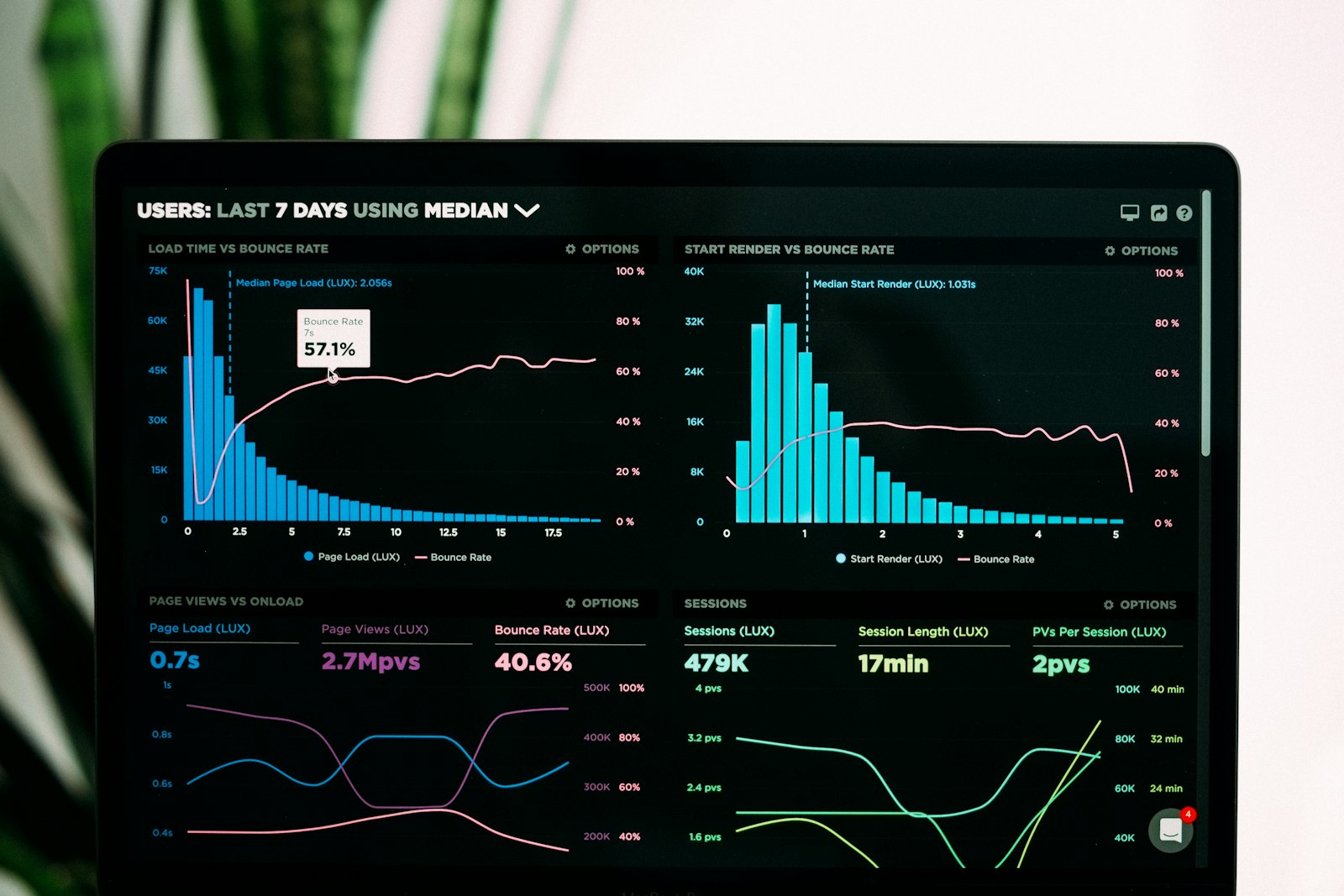
Productivity scores based on app usage, active time, and work patterns. Compare across teams, departments, and time periods.
Automated Reports
Schedule daily, weekly, or monthly reports. Customizable report templates with team breakdowns, top performers, and risk alerts.
Work Hours & Attendance
Automatic check-in/check-out tracking with work hour calculations. See who starts early, leaves late, and track overtime across the team.
Keep your organization secure and compliant.
Protect your business with geofencing, privacy controls, and real-time security alerts.
Geofencing & Location
Set up virtual boundaries and track employee locations. Get alerts when employees connect from unexpected locations or outside approved zones.
Privacy Controls
Built-in privacy features to balance monitoring with employee rights. Blur sensitive content, exclude personal apps, and set monitoring schedules.
Alerts & Notifications
Real-time alerts for suspicious activity, restricted app usage, unusual login locations, and policy violations. Customizable alert rules.
Works on Every Platform
Lightweight agent that runs silently in the background
Windows
10 / 11
Agent v2.8 with auto-update. Native portal popup. Auto-starts on boot.
macOS
12+ (Monterey)
Agent v2.8 with auto-update. AppleScript window detection. Apple Silicon.
Linux
Ubuntu / Debian
Agent v2.8 with auto-update. Ubuntu / Debian / Fedora. Runs as a systemd service.
Ready to See It In Action?
Start monitoring your team in under 5 minutes. Free plan available.